image optimizationpdf compressionbatch processingdigital workflowfile managementprivacyoffline tools
Streamline Your Digital Workflow: Essential Tips for Managing Images and PDFs
Learn essential tips for optimizing images and PDFs to save space, improve performance, and enhance security in your digital workflow.
February 19, 2026
3 min read

Publishing a gallery of high-resolution product photos or archiving a year's worth of financial statements can quickly consume disk space and bandwidth. Efficient management of your digital assets isn't just about saving space; it's about improving website performance, speeding up email attachments, and ensuring smooth document sharing.
Optimizing your images and PDFs is a critical skill for anyone working with digital content. Here are actionable tips to help you master your digital workflow.
### 1. Optimize Image Compression for Web and Archival
For photographs, use JPEG format and aim for an 80-85% quality setting. This often reduces file size by 70-90% (e.g., a 5MB image to 800KB) with minimal perceptible loss in visual quality for most screens. For graphics, logos, or images requiring transparency, PNG is the superior choice; ensure you're using 24-bit PNG for full alpha channel support.
Before uploading, always compress your images. You can quickly do this with our free [Image Compressor](https://www.suantanamo.com/tools/image/compress) tool, which processes files directly in your browser.
### 2. Purposeful Image Resizing
High-resolution images from modern cameras are often overkill for web display. Resizing images to their intended display dimensions significantly reduces file size and load times. For typical website hero images, a width of 1920 pixels is often sufficient.
Thumbnails might only need 300 pixels. Delivering correctly sized images prevents browsers from having to downscale them, saving user bandwidth and improving page speed scores.
### 3. Efficient PDF Optimization
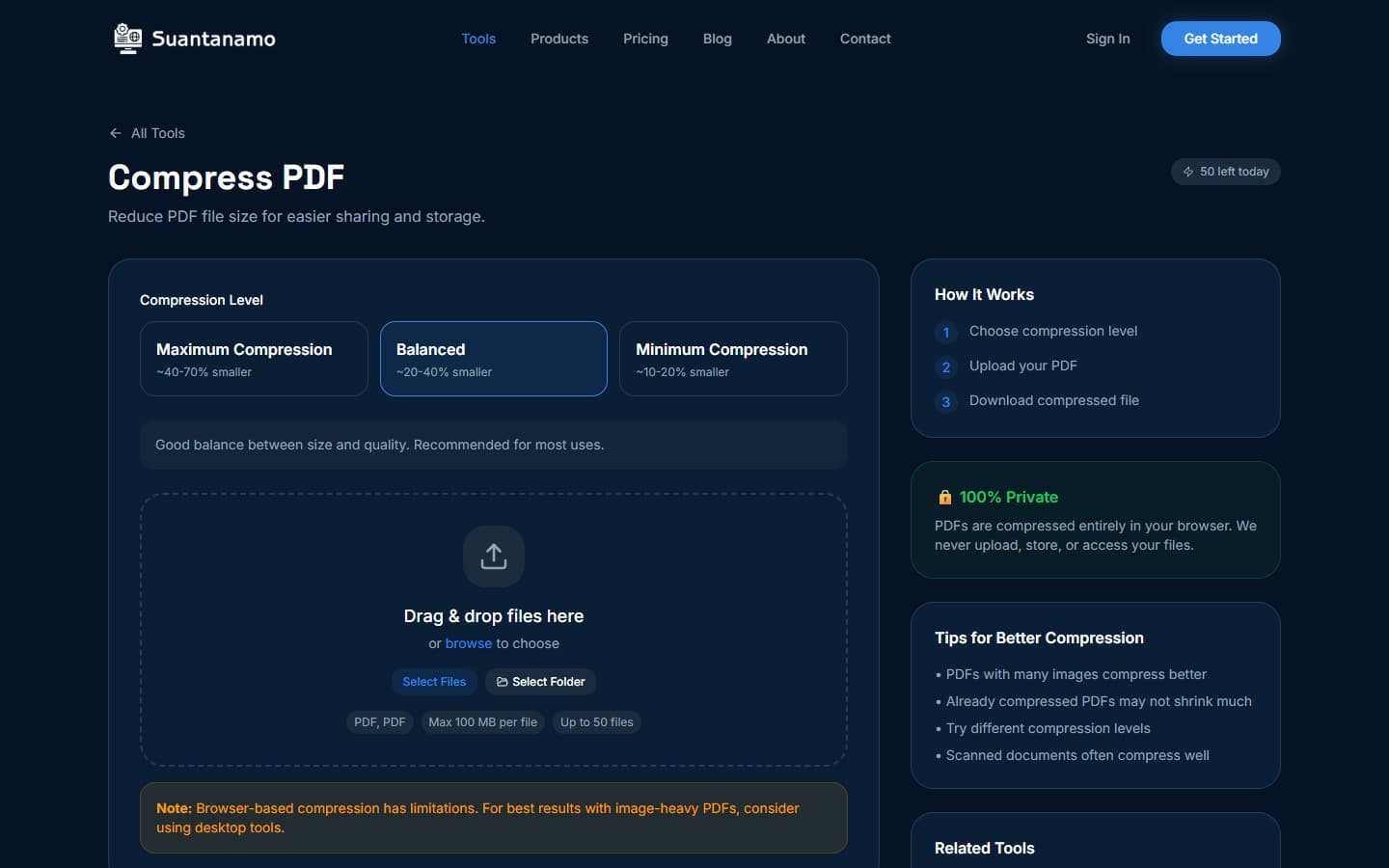
PDF documents can also become bloated with high-resolution scans, embedded fonts, and rich media. Compressing PDFs is crucial for emailing, archiving, or uploading to document management systems. Reducing a 15MB scanned document to 2MB can make a significant difference.
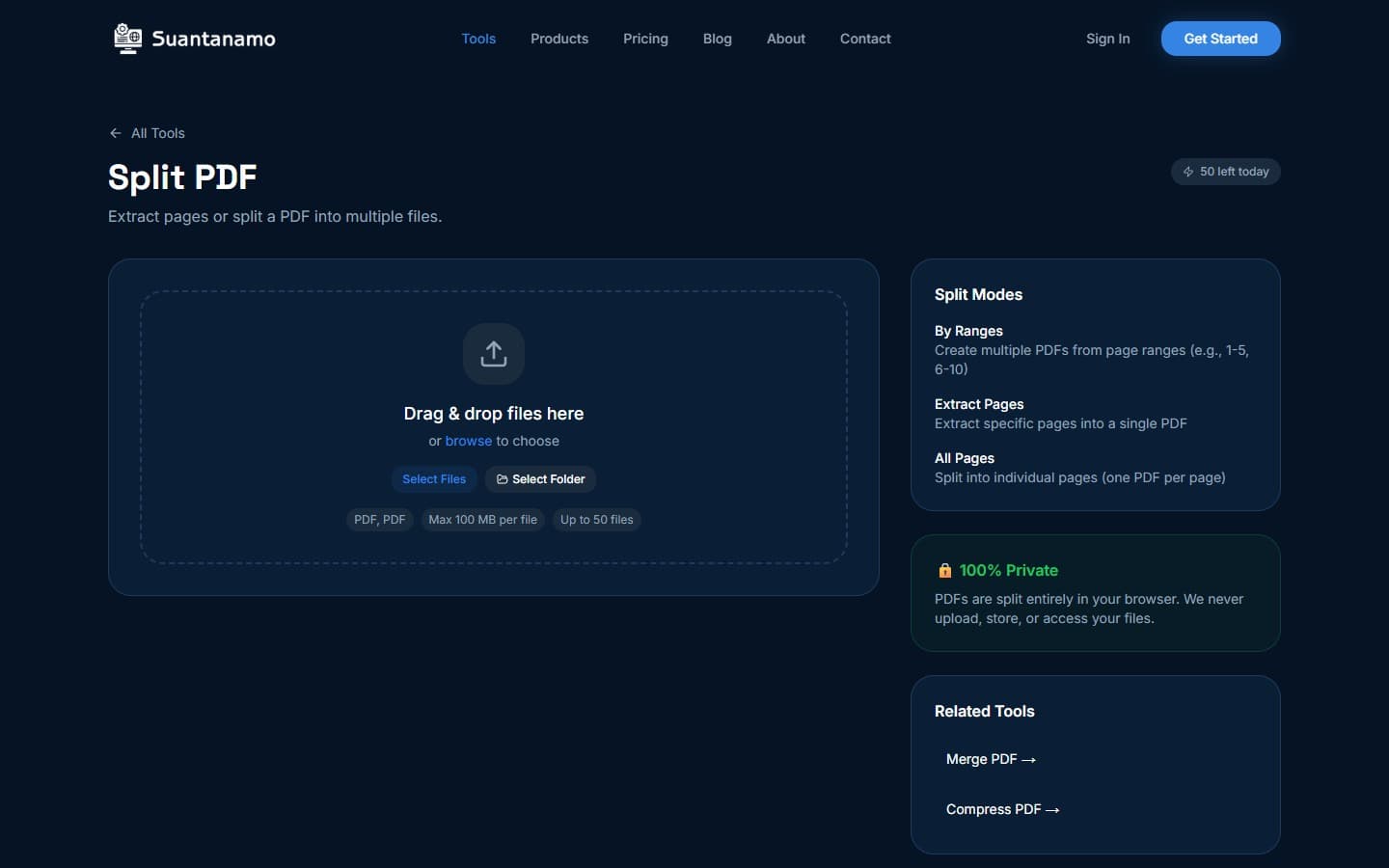
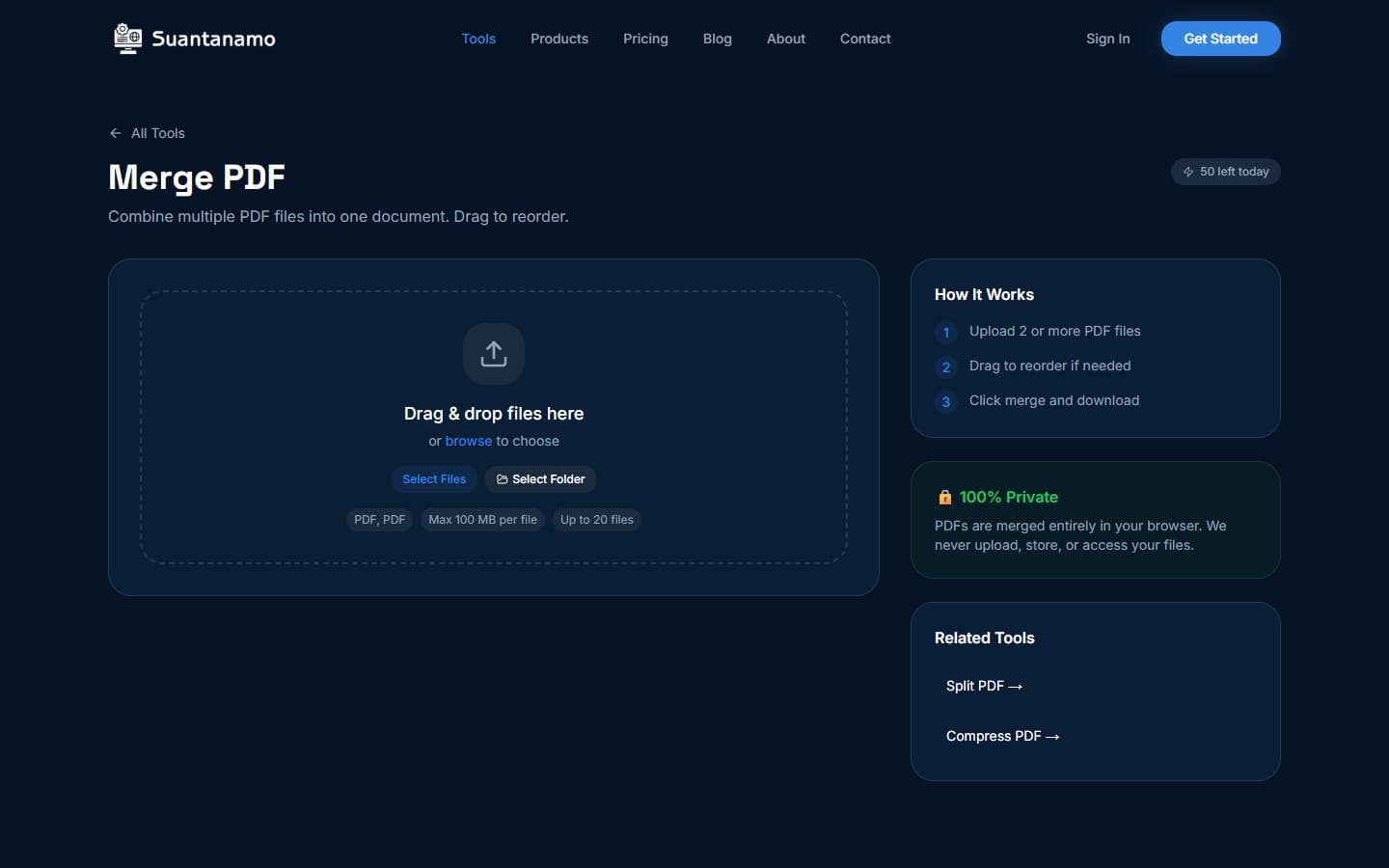
Additionally, consider merging multiple related PDFs into a single, organized document, or splitting large PDFs into smaller, more manageable files. Our [PDF Compressor](https://www.suantanamo.com/tools/pdf/compress) can help you reduce file sizes quickly and securely.
### 4. Embrace Batch Processing for Scale
Manually processing hundreds of images or dozens of PDFs one by one is incredibly inefficient. For large-scale tasks, utilizing a tool that supports batch processing is essential. This allows you to apply compression, resizing, watermarking, or format conversions to an entire folder of files in a single operation.
Desktop applications like SuanTools Desktop leverage your computer's multi-core processor and SIMD acceleration for speeds far beyond what browser-based tools can offer. Processing 500 images might take minutes instead of hours, dramatically accelerating your workflow.
### 5. Prioritize Privacy and Offline Access
When dealing with sensitive documents or proprietary images, ensuring your files never leave your machine is paramount. Client-side processing, where all operations occur locally, guarantees privacy and security. Furthermore, for users who frequently work offline or have unreliable internet connections, desktop software provides uninterrupted access to their tools.
SuanTools Desktop offers full offline functionality, ensuring your productivity is never hindered by network issues or concerns about data uploads.
Implementing these optimization strategies will save you time, improve performance, and enhance the security of your digital assets. For power users who need to process vast quantities of files with maximum speed and privacy, a dedicated desktop solution is invaluable.
Discover how SuanTools Desktop can transform your workflow by visiting [SuanTools Desktop](https://www.suantanamo.com/products/suantools-desktop).
---
*This article was written with AI assistance and reviewed by our team.*
image optimizationpdf compressionbatch processingdigital workflowfile managementprivacyoffline tools